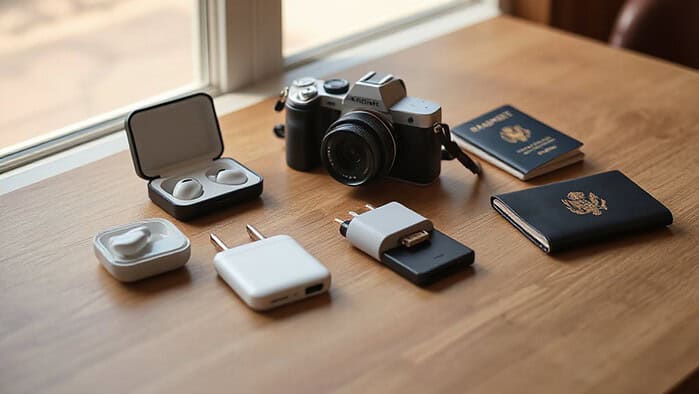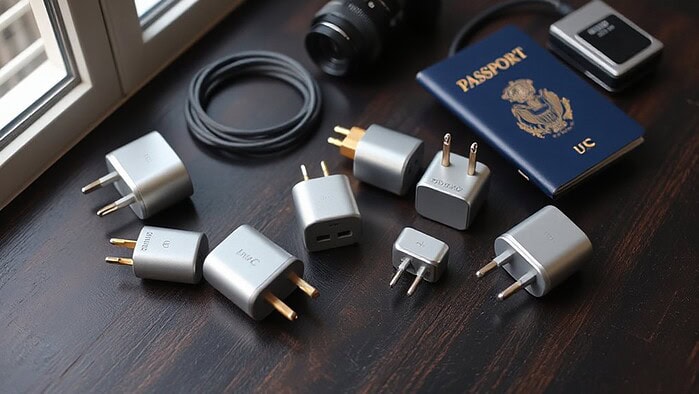
Pack your most valuable electronics—cameras, laptops, tablets—inside a padded, water‑resistant carry‑on and use foam‑filled cases or anti‑static bubble wrap for each item. Coil cables loosely, secure them with straps or zip ties, and label them with color‑coded tags. Remove spare lithium batteries, media cards, and cartridges; keep batteries in original packaging or with taped terminals, and store them in a zippered pocket. Back up critical files using a 3‑2‑1 strategy or cloud service, and keep a portable power bank and multi‑plug adapter handy. Finally, place everything in a custom‑fit box with precision‑cut foam inserts, and maintain a temperature range of 50‑75 °F with gel packs if needed; follow airline battery limits and TSA rules for lithium cells, and you’ll be ready for the next step.
TLDR
- Store precious devices in padded, water‑resistant pouches inside the carry‑on, keeping daily‑use items in an accessible compartment.
- Pack spare lithium batteries in original packaging or with terminals taped, and keep all batteries, media cards, and cartridges separate to prevent leaks.
- Back up critical data using the 3‑2‑1 rule or cloud storage, and label cables with color‑coded tags or tape for quick identification.
- Wrap each component in anti‑static bubble wrap, add foam sheets or air‑foam inserts for cushioning, and place everything in a waterproof organizer.
- Use a rigid box or custom‑fit container with precision‑cut foam inserts, and maintain temperature control with insulated cases and gel packs within 50–75 °F.
Electronics Packing: Choose the Right Carry‑On Strategy
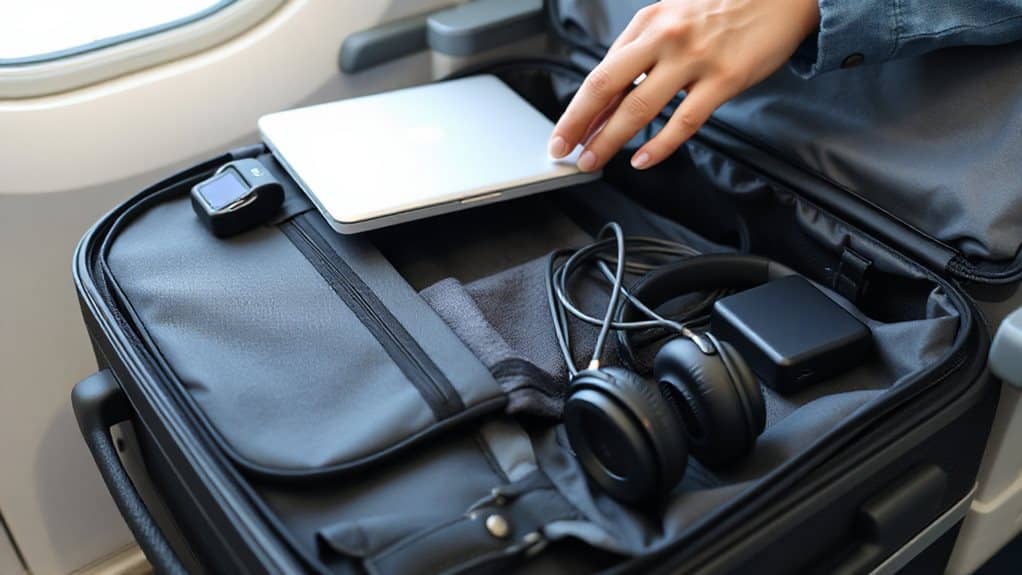
A solid carry‑on strategy starts with keeping your most precious electronics—cameras, laptops, tablets—inside the bag you’ll bring on the plane. Pack them in padded, water‑resistant pouches or custom cases with foam inserts to absorb bumps. Coil cables loosely, secure them with straps, and store chargers together in a zippered pocket. Keep daily‑use devices in an accessible compartment for quick retrieval without unpacking everything. This unified approach protects gear, reduces loss risk, and streamlines security checks. Consider using a surge protector to guard against voltage spikes in foreign outlets. Also, remember to carry spare lithium batteries in your carry‑on and insulate their terminals to prevent short circuits and fire hazards, as required by TSA rules.
Remove Batteries, Media, and Cartridges to Prevent Leaks
Remove batteries, media cards, and cartridges before you board to eliminate the risk of leaks, short‑circuits, and fire.
Pack spare lithium batteries in original packaging or tape terminals, and keep them in your cabin bag.
Store media cards and vape cartridges separately to avoid pressure‑induced leaks.
Ensure devices are turned off, protected from activation, and inspected for swelling or damage before travel.
Travel during shoulder seasons can reduce stress and logistical issues like crowds and delays.
Back Up Data and Label Cables Before Boxing
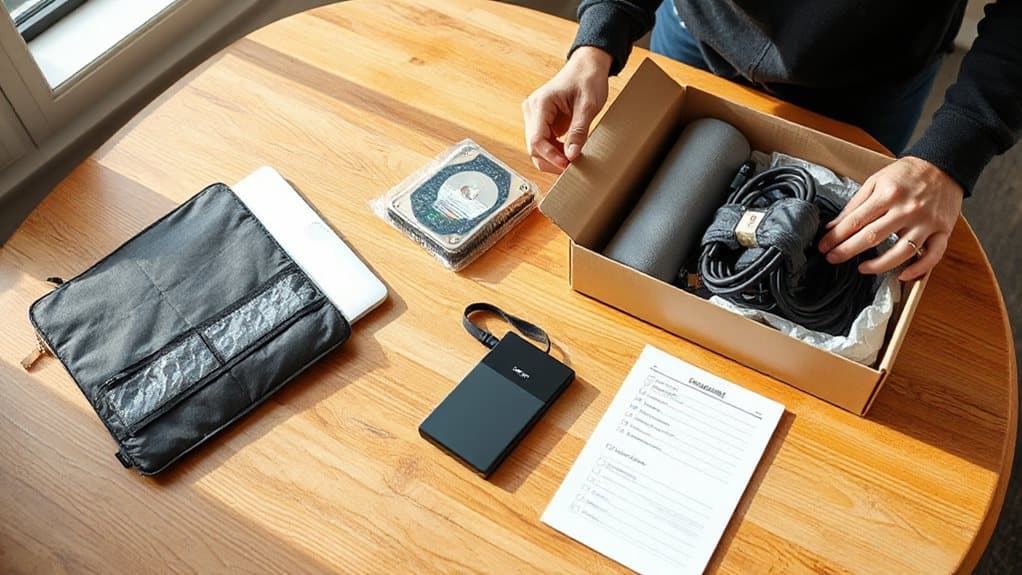
Before you pack, make sure you’ve backed up all important files using a 3‑2‑1 strategy or a reliable cloud service so you won’t lose data if anything goes wrong.
Then, label each cable with tape or color‑coded tags that identify the device and port, and snap a quick photo of the connections for reference.
Finally, bundle the labeled cables together in zip‑lock bags or zip ties, keeping everything organized and easy to reassemble when you unpack.
Consider keeping a portable power bank and a compact multi-plug adapter for charging at night markets or transit stops.
Secure Data Before Packing
How can you protect your files before you zip them up? Use a cloud service like Backblaze or Dropbox for automatic, real‑time sync, then copy critical data to a USB thumb drive or external SSD. Follow the 3‑2‑1 rule: keep two local copies and one off‑site backup. Verify each backup by opening a sample file, and document the process in a checklist. Ensure passwords are strong and stored securely.
Tag Cables Clearly
After securing your files, the next step is to make sure every cable is instantly recognizable once you open your suitcase.
Sort cables by device, then tape a label or colored electrical tape directly onto each cord.
Use waterproof permanent markers and notch label edges to prevent peeling.
Gear ties with attached tags or stretch hair bands give quick visual cues, cutting search time by half and keeping your setup organized.
Bundle and Photograph Connections
A solid backup routine and clear visual record of every cable connection are essential before you start boxing your gear. Back up files to cloud and an external drive, then photograph each port and cable layout from multiple angles. Store the images in the same cloud backup.
Bundle cables by device with Velcro straps, place bundles in zip‑lock bags, and protect them with anti‑static bubble wrap before packing.
Wrap Sensitive Parts in Anti‑Static and Cushioning Materials
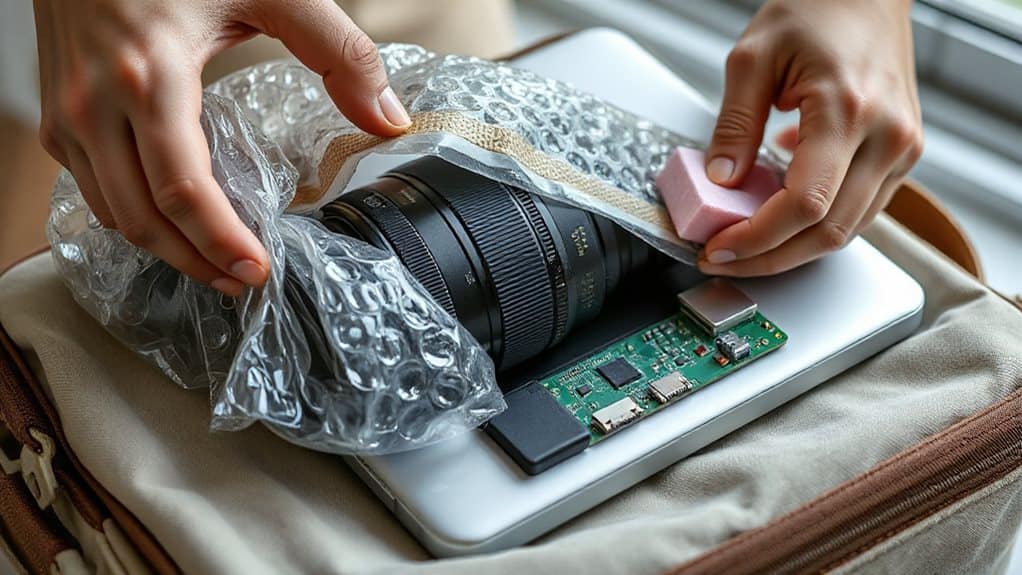
You’ll want to encase each component in anti‑static bubble wrap before you add any cushioning, because the conductive layer safely dissipates static while the bubbles absorb shocks.
Next, place a foam sheet around the wrapped part to create a solid buffer that protects against drops and vibrations during travel.
Together, these two materials keep the electronics safe from both electrostatic discharge and mechanical impact.
For added protection during travel, consider placing the wrapped and padded items inside a waterproof organizer to guard against spills and rain.
Anti‑Static Bubble Wrap
The 10 mm bubbles cushion components while the material blocks external static. Use pink bags for short trips and metallized versions for longer storage.
Foam Sheet Cushioning
Ever wonder how a simple foam sheet can protect delicate electronics during travel? You wrap each component in anti‑static polyurethane foam, like the 12″ × 12″ × 2″ pink sheets, then add a layer of soft air foam, 10″ × 10″ × 1/8″, for shock absorption. Cut egg‑crate rolls to fit larger items, tape them down, and secure everything in your bag. This combo resists moisture, scratches, and movement, keeping gear safe while you stay mobile.
Use Original or Custom‑Fit Boxes for Maximum Protection
How can you keep your gadgets safe when they’re packed for travel? Use the original box or a custom‑fit container that matches your device’s dimensions. Precision‑cut foam or EPS inserts hug the shape, absorbing shocks and vibrations. Corrugated cardboard offers rigidity, while anti‑static bags prevent static discharge. Tailored inserts keep items from moving, reducing breakage risk and ensuring they arrive in optimal condition. Travel during off-peak months can also reduce the likelihood of delays or handling risks.
Control Temperature and Handling During Transit
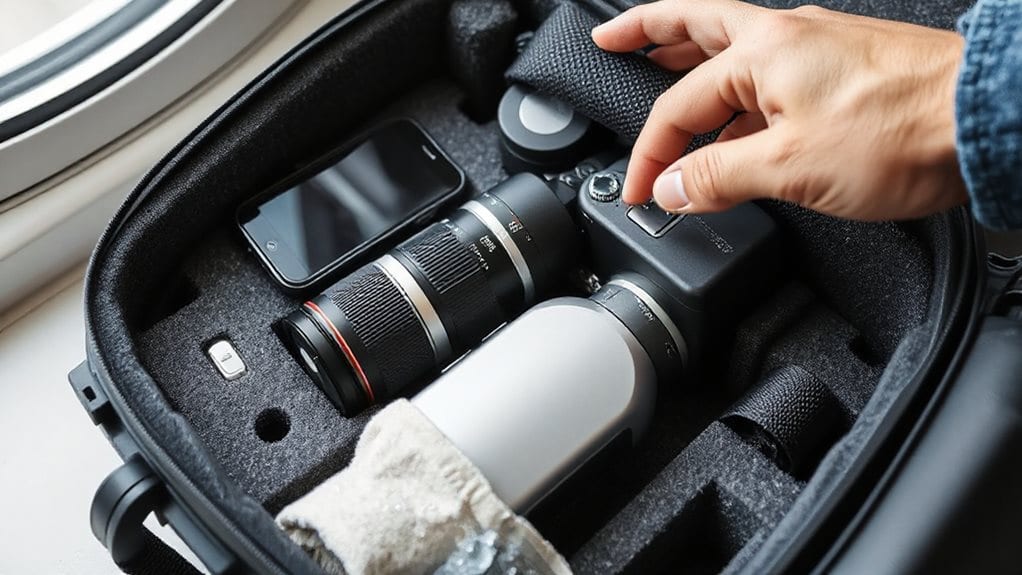
After securing your gadgets in custom‑fit boxes, the next step is to control temperature and handling during transit. Keep devices in insulated cases or backpacks, using gel packs or vapor chambers to stay within 50‑75°F. Monitor with portable sensors that send real‑time alerts. Position electronics on top of boxes, avoid parked vehicles, and plan climate‑controlled stops for multi‑leg journeys. Exit row seats may offer extra legroom but can be noticeably cooler due to door seals and should be avoided if you need consistently warm storage.
Add Fragile Stickers and Follow Airline Rules for Electronics
Do you know why a simple sticker can make a big difference when you ship electronics? Stick a “Fragile” label on every side of your bag; it alerts handlers and enhances visibility at transfers. Combine stickers with internal padding for dual protection. Follow airline rules: keep laptops and phones in carry‑on, verify battery watt‑hours, and respect power‑bank limits. This reduces damage risk and keeps you moving freely.
And Finally
By following these steps, you’ll keep your electronics safe and functional throughout your trip. Removing batteries and media prevents leaks, while backing up data and labeling cables saves time. Anti‑static wraps and cushioning protect delicate components, and custom‑fit boxes add extra security. Monitoring temperature and handling reduces damage risk, and using fragile stickers ensures proper care. Finally, adhere to airline regulations to avoid delays or confiscations. This systematic approach minimizes breakage and keeps your devices ready for use.