Open the airline app or website, log in, and enter your booking reference exactly as shown in the confirmation email. Tap “Change Flight,” filter results by time, airport, or partner airline, and select the earliest suitable alternative; confirm any fare difference, then download the new e‑ticket and boarding pass. Keep your carry‑on within the airline’s size limits and verify seat, baggage, and immigration details before heading to the gate. Follow these steps quickly, and you’ll find additional tips for vouchers and refunds.
TLDR
- Open the airline app or “Manage My Booking” portal, enter your PNR, and tap “Change Flight” to view available rebooking options.
- Filter results by preferred time window, nearby airports, and partner airlines to quickly locate the earliest suitable flight.
- Compare fares and select the new flight, then confirm any price difference and receive the updated e‑ticket.
- Enable push notifications and real‑time price alerts to catch cheaper alternatives before the rebooking deadline.
- Verify the new itinerary (flight numbers, dates, seat, baggage) in the app, check‑in, and keep the confirmation for any compensation claims.
Rebook the Cancelled Flight in the Airline App
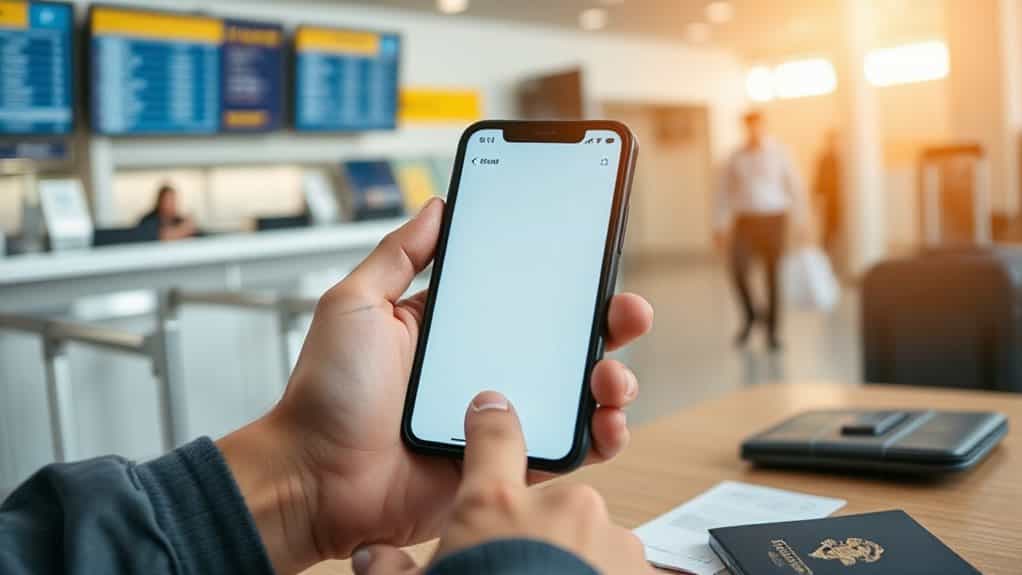
Open the app, log in, and tap the banner on the home screen to view your trip.
Locate the cancelled flight, choose “change flight” or “rebook,” and browse available options.
Select a new flight, confirm details, and complete the process.
Check‑in for a new boarding pass and enable push notifications for status updates. Set up push notifications for flight status updates and boarding reminders.
Open “Manage My Booking” With Your Reference Number
Launch the airline’s website or mobile app, then locate the “Manage My Booking” (or similarly named) section. Enter your booking reference—also called PNR, reservation number, or record locator—exactly as it appears in the confirmation email. Match the name field to your passport details, then submit. The portal will pull up your reservation, letting you view and modify it without creating an account, and you can use real-time price alerts to spot a cheaper rebook option before any deadline.
Tap “Change Flight” to View Earliest Alternatives
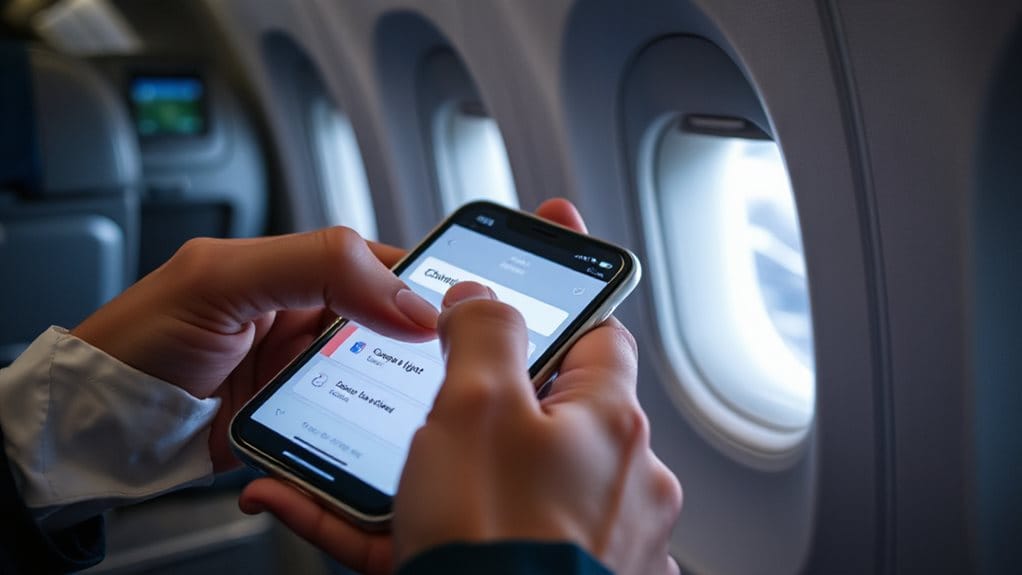
Tap the “Change Flight” button and the system will instantly show you the earliest flights that match your original route. You can filter those results by a specific time window, then compare any alternate airports that fall within the allowed distance. Enable real-time weather alerts so you can spot storms, lightning, or wind impacts that may affect which rebooking options remain available. This lets you quickly spot the best option without scrolling through unrelated itineraries.
Open Earliest Flights
When you open the airline’s website or app and select “Change Flight,” the system instantly shows the earliest available departures for your route, letting you spot morning options in seconds.
You’ll see fare‑class codes like Y2 or B2, indicating inventory, and elite members often get confirmed seats while others may be placed on standby.
Check each leg separately to confirm true availability.
Filter by Time Window
After spotting the earliest departures, you’ll need to narrow them down to a specific time window that fits your schedule. Tap “Change Flight” and the system shows options within the airline’s window—United ±24 hours, Delta ±1 day, Southwest ±14 days, Frontier ±1 day, Air Canada ±3 days.
Use the edit filter to sort by departure time, then select the slot that matches your preferred window, confirming any fare difference before finalizing.
Compare Airport Options
If you can’t get a seat on the original airport, compare the nearby hubs that the “Change Flight” screen lists as earliest alternatives.
The app shows same‑day departures from neighboring airports, sorting by earliest takeoff.
Look for low‑fee options—$0‑$75 at major carriers—and consider proximity to cut ground travel.
Southwest, United, Delta, and others often allow instant swaps without extra charges, so you can choose the fastest route.
Select a Nearby Airport or Partner Airline for More Seats
You can broaden your search by checking nearby airports, which often have the same carrier or its partners operating flights to your destination.
If your airline has partnership agreements, you’ll see additional seat options on those carriers, increasing the chance of finding an open seat quickly.
Just compare the seat availability across the airports and partner airlines before confirming the new itinerary.
Airport Options
When you’re stuck with a cancelled flight, expanding your search to nearby airports or partner airlines can dramatically increase the chances of finding an open seat. Larger hubs like Dallas/Fort Worth, Fort Lauderdale, Miami, and Charlotte provide more daily connections and lower cancellation rates than regional airports.
Denver International offers extensive routes, while smaller hubs suffer higher disruption percentages. Choose the nearest major airport to maximize rebooking flexibility.
Partner Airline Access
Because many airlines honor partner‑airline agreements, expanding your search to include nearby hubs and their partner carriers can quickly uncover open seats. Check Alaska, American, Delta, Hawaiian, JetBlue, and United for cost‑free rebooking when delays are significant.
Contact the ticketing airline to request a partner flight, and have your schedule‑change email ready. Non‑committed carriers won’t honor such transfers.
Seat Availability Check
Where can you find the best chance of snagging an open seat after a cancellation? Use ExpertFlyer for real‑time upgrade and award availability, then expand your search with Seats.aero to scan nearby airports and partner airlines across 20 programs.
Check AwardFares Flight Schedules for exact class counts, and set alerts on SeatSpy or ExpertFlyer to be notified the moment a seat opens, maximizing your freedom to rebook quickly.
Chat With the Airline on Social Media for Instant Help
How can you get instant help from an airline without waiting on hold? Use X for real‑time replies—average 15‑minute response—while Instagram and Facebook take longer, 1.4 and 2.8 hours respectively. Pickpockets often target busy areas like major stations and crowded terminals, so keep your phone and booking details secure while you message the airline. Only about a quarter of questions get answered, but 70% of travelers already rely on social platforms. Tweet or DM your booking reference, keep the message brief, and monitor notifications for a swift rebooking reply.
Call the Airline Hotline to Speed Up Rebooking
Pick up the airline’s direct line as soon as you learn of the cancellation, because the dedicated hotline bypasses generic queues and connects you straight to a rebooking specialist. Have your confirmation number, travel dates, and preferred alternate flights ready, so the agent can verify your reservation and propose options without delay. If you’re traveling with an infant, be ready to request stroller/seat compatibility notes and newborn-fit details for any alternate itinerary. rear-facing infant car seat options can significantly reduce stress during tight connection or ground-transfer times. This focused approach typically shortens wait time and increases the chance of securing a seat that matches your original itinerary.
Fast Dial Direct Line
Ever need to jump the line when a flight gets canceled? Dial the airline’s direct line for instant access.
Southwest: 1‑800‑I‑FLY‑SWA; United: 800‑864‑8331; American: 800‑433‑7300; Delta: 800‑221‑1212.
Use reward or international numbers for shorter waits.
Say “existing reservation” or select the rebooking option to bypass general queues and secure a new seat quickly.
Prep Booking Details First
When you call the airline hotline, having every detail of your reservation ready lets the agent locate your booking instantly and speeds up the rebooking process. Keep your confirmation number, passenger name, flight number, and dates handy.
Have your PNR, payment info, and passport ready. Note preferred new flights, backup routes, and refund eligibility.
This organized prep frees you from delays.
Stop by the Airport Desk if the App Won’t Work
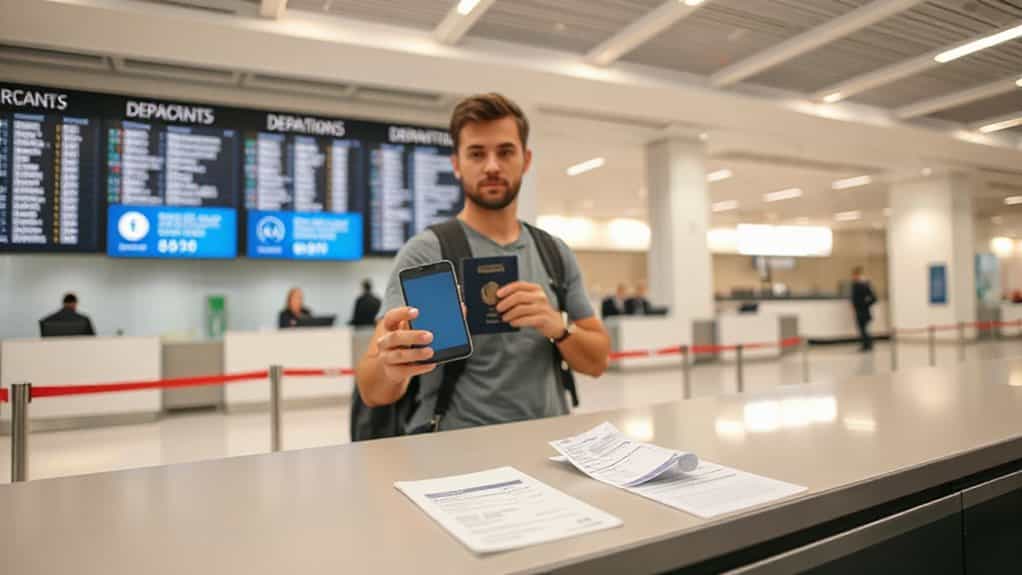
If the airline’s app won’t give you a usable rebooking option, head straight to the airport ticketing desk. Spot a uniformed agent with a name tag, avoid baggage handlers. Explain the app failure, state your preferred flight, and ask for nearby alternatives. Use the kiosk if the line’s long, then accept or reject the agent’s offer promptly to meet deadlines. Make sure you have your carry-on within American Airlines’ 22 x 14 x 9 inches limit to avoid gate checking delays once you’re rebooked.
Verify the New E‑Ticket and Update Your Boarding Pass
Before you head to the gate, make sure the new e‑ticket you received matches every detail of your original reservation and that your boarding pass reflects those details accurately.
Check the confirmation email for flight number, dates, and 13‑digit ticket, then log into the airline’s portal with your PNR.
Verify seat, baggage, and times align, and if anything looks off, call customer support with your reference number.
Update the boarding pass on the airline app or kiosk before you board.
Also confirm whether your itinerary requires re-entry through immigration and security checks for any international segments so you don’t get delayed at the airport.
Claim Meals, Hotel, or Transport Vouchers When Airline‑Controlled
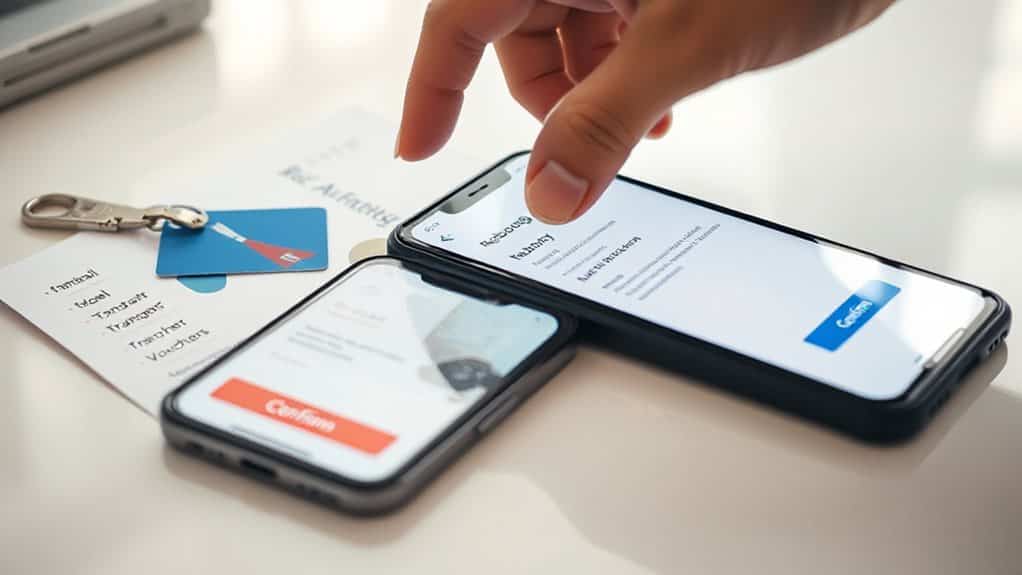
After confirming your new e‑ticket and boarding pass, turn your attention to the compensation you may be entitled to if the airline caused the disruption.
For delays over three hours on US carriers, ask the gate agent for a meal voucher; airlines like United cover reasonable costs.
If an overnight, controllable cancellation occurs, request hotel and transport vouchers, citing the airline’s contract of carriage.
Keep receipts for possible reimbursement.
Request a Full Refund or Credit if the New Flight Doesn’t Work
When the new flight you booked doesn’t suit your schedule or preferences, you can request a full refund or a travel credit instead of accepting the airline’s alternative.
You’re entitled to cash back if the carrier cancels, delays three hours domestically or six hours internationally, or makes a major schedule change.
Refunds appear on credit cards within seven business days, otherwise within twenty days.
Choose a credit only if you’re comfortable forfeiting cash.
Save All Confirmations for Future Insurance Claims
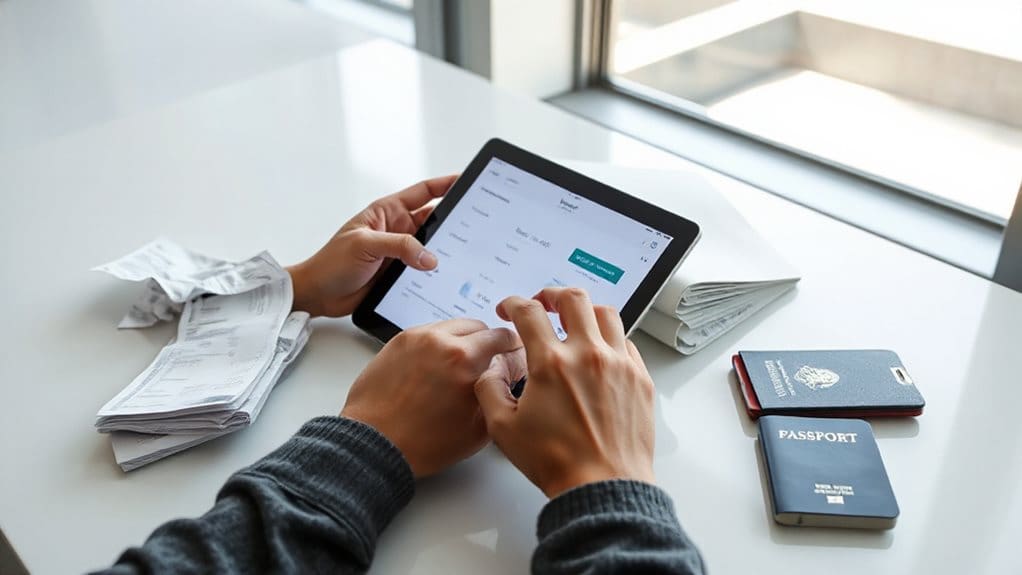
If the new flight doesn’t work for you, you’ll likely end up filing a claim with your travel insurance, and having every confirmation on hand makes that process smoother.
Store the e‑ticket, reservation numbers, invoice, and payment proof in a dedicated folder.
Keep medical certificates, incident reports, and expense receipts ready.
Photograph boarding passes, baggage loss notices, and refunds.
Organize digitally and print copies, ensuring each document matches the claim component.
This preparation speeds approval and protects your freedom to travel.
And Finally
By following these steps you’ll rebook a cancelled flight quickly and securely. Use the airline’s app to locate your booking, review alternate flights, and consider nearby airports or partner airlines for more options. Reach out via social media for real‑time assistance if needed, then confirm the new e‑ticket and boarding pass. Finally, claim any vouchers offered and request a refund or credit if the replacement doesn’t suit you, keeping all confirmations for future insurance claims.