
You step into a millimeter‑wave booth where low‑energy 30‑300 GHz radio waves bounce off your skin and any concealed objects, creating a quick, anonymized 3‑D silhouette that highlights anomalies without showing detail. Backscatter X‑ray scanners use low‑energy ionizing radiation to produce 2‑D grayscale images, while CT baggage scanners rotate X‑ray sources to rebuild a 3‑D view of your luggage. AI models flag suspicious regions, and privacy controls blur faces and simplify outlines. Continue for a deeper look at each system’s mechanics.
TLDR
- Millimeter‑wave scanners emit non‑ionizing 30‑300 GHz radio waves that reflect off the body, forming a 3‑D silhouette for anomaly detection.
- Backscatter X‑ray scanners use low‑energy ionizing radiation to create 2‑D grayscale images, highlighting organic vs. metallic materials.
- CT baggage scanners rotate X‑ray sources, capturing hundreds of angles to reconstruct interactive 3‑D views of luggage contents.
- AI software flags suspicious regions in the generated images, allowing brief review without revealing detailed body shapes.
- Privacy controls simplify raw data into anonymized silhouettes, blur faces, and offer manual pat‑down alternatives.
Millimeter‑Wave Scanners: How They Detect Hidden Items
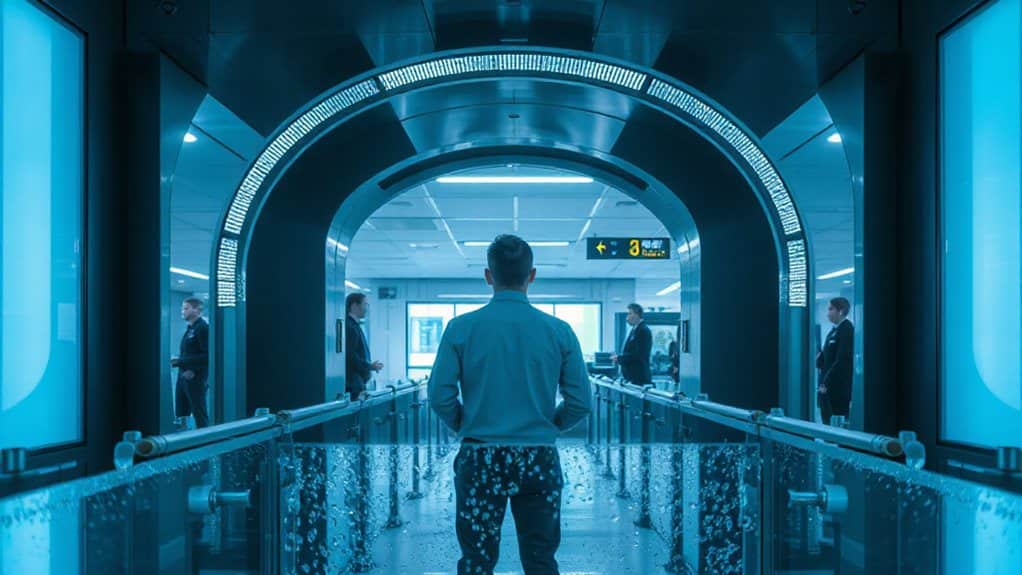
At the heart of modern airport security, millimeter‑wave scanners employ non‑ionizing radio waves in the 30‑300 GHz range to reveal concealed items beneath clothing.
You stand with arms raised while rotating antennas emit waves that bounce off skin and hidden objects.
The system builds a 3‑D silhouette, and ATR software highlights anomalies—metal, plastic, explosives—without showing your exact shape.
Low‑energy radiation is safe and approved.
The first millimeter‑wave full‑body scanner was developed at Pacific Northwest National Laboratory (PNNL) in the 1990s. ( PNNL )
Modern millimeter‑wave scanners can detect variations in body density, including scar tissue.
Backscatter X‑Ray vs. Millimeter‑Wave: Key Differences
You’ll notice that backscatter X‑ray scanners emit low‑energy ionizing radiation, while millimeter‑wave devices rely on non‑ionizing radio waves that pose no radiation risk.
The X‑ray system produces a 2‑D grayscale image that can reveal material composition, whereas the millimeter‑wave scanner creates a 3‑D outline that obscures fine body details for greater privacy.
Understanding these differences helps you weigh safety against image resolution when comparing the two technologies.
Also, TSA’s aerosol rules (like the 3.4-ounce limit) can affect what happens at screening regardless of the scanner type.
Radiation Type & Safety
If you compare the two scanner technologies, the key difference lies in the type of radiation they emit and the associated safety profile.
Backscatter X‑ray uses low‑energy ionizing X‑rays, provides about 0.03–0.1 µSv per scan—roughly a few minutes of natural background.
Millimeter‑wave relies on non‑ionizing radiofrequency waves, far weaker than a cell phone, with no measurable health risk under FDA standards.
Both meet safety limits, but millimeter‑wave eliminates ionizing exposure altogether.
Image Detail & Privacy
Radiation safety aside, the next factor that matters is how much detail each scanner captures and what that means for your privacy.
Backscatter X‑ray produces photo‑quality 2D images that look almost like you’re undressed, so operators see blurred faces and obscured outlines.
Millimeter‑wave creates 3D silhouettes, showing metal as bright splotches and organic matter brighter, but only generic shapes.
Both systems blur or obscure data to protect your confidentiality.
CT Luggage Scanners: Building 3‑D Bag Views
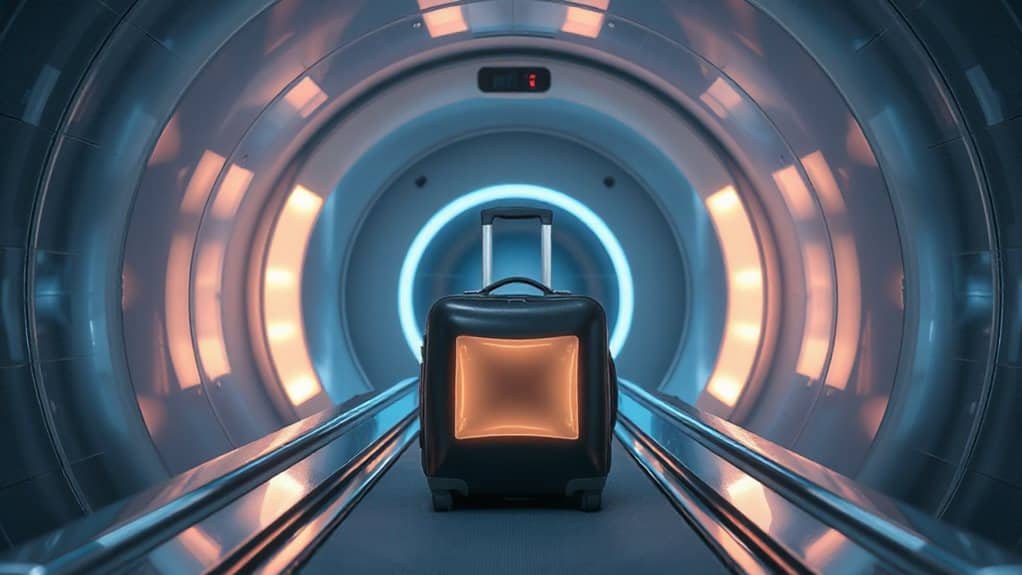
You’ll see how rotating X‑ray sources capture hundreds of angles around each bag, feeding data into tomographic reconstruction algorithms that stitch together precise slices. Those slices are then combined into an interactive 3‑D view, letting you rotate, zoom, and inspect the contents from any viewpoint. This process lets operators pinpoint suspicious objects quickly without unpacking the luggage. A similar real-time environmental modeling approach is achieved when sensors and neural networks fuse multiple inputs into a coherent, continuously updated surroundings representation.
Rot Tom Reconstruction Techniques
When a bag moves along the conveyor, a rotating X‑ray array captures hundreds of projection images at 0.5‑degree intervals, giving a full 360° view of its contents.
The system compiles these slices using Radon‑based algorithms, then applies Tam‑Danielson windows and fan‑beam CT to reconstruct a precise 3‑D tomogram.
Neural attenuation fields refine pose, while color‑coding networks render material cues, letting you isolate objects and spot threats instantly.
Rotating X‑Ray Source
Because the X‑ray tube and detector rotate together around the bag, the scanner captures a full 360° view in just half a second.
The rotating gantry spins at 120 RPM, producing over 700 slice images that software stitches into a 3‑D tomogram.
A scatter grid preserves image quality, while modular components simplify upgrades, keeping the system reliable, fast, and future‑proof for high‑throughput baggage screening.
Interactive 3‑D Visualization
How does a 3‑D view help you spot hidden threats inside a bag? You rotate a volumetric image built from multiple X‑ray projections, seeing every angle without 2‑D limits.
Automated algorithms highlight explosives, firearms, knives, and liquids, while you can zoom, slice, and inspect details.
High‑resolution CT imaging reduces false alarms, speeds throughput, and lets electronics stay packed.
Passenger Journey Through a Modern Airport Scanner
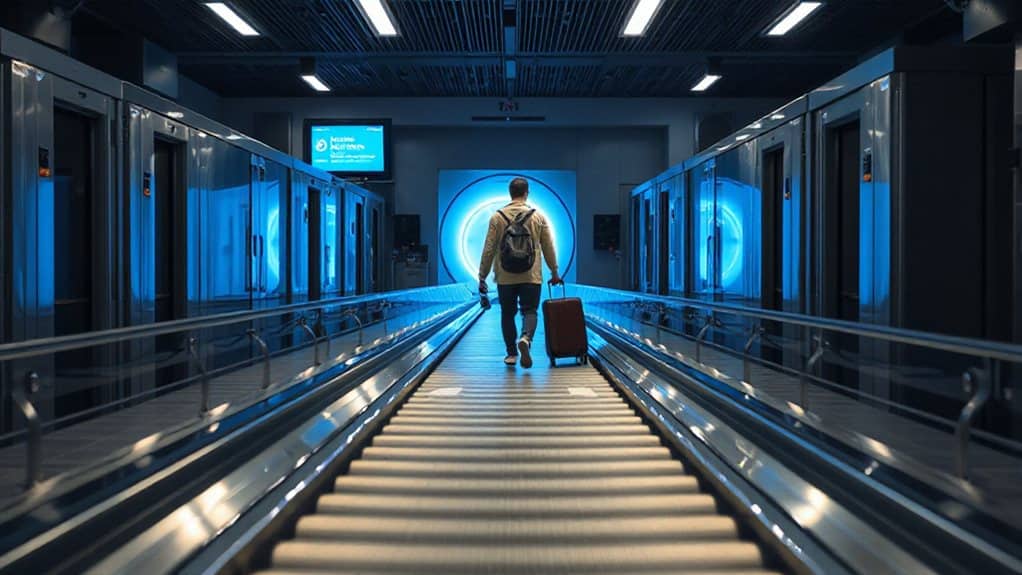
You step up to the security checkpoint, place your carry‑on items on the conveyor belt, and watch them glide through a dual‑energy X‑ray scanner that separates low‑ and high‑energy photons to highlight organic and metallic substances.
Then you remove shoes, belt, and metal accessories, step into the rotating millimeter‑wave body scanner, spread your feet, raise your arms, and wait as the system builds a quick 3D outline, flagging any anomalies for a brief review before you continue onward. Spare lithium batteries must be kept in carry-on (not checked bags) to reduce fire risk in cargo holds.
Why Airport Scanners Show Generic Silhouettes, Not Real Photos?
You’ll notice the screen shows a simple outline instead of a detailed image because the software deliberately strips away anatomical features to protect your privacy. This anonymization meets legal and ethical standards while still letting the system flag suspicious items on a generic silhouette. For a carry-on console, the TSA typically requires electronics larger than smartphones to be taken out of your bag for separate X-ray screening.
Privacy Privacy Safeguards
Because the TSA prioritizes passenger privacy, millimeter‑wave scanners don’t produce a photo‑like image of you; instead they render a generic “gingerbread‑man” silhouette that strips away all identifying details.
The system automatically flags anomalies as boxes on that silhouette, never storing or transmitting personal images.
Software disables any storage feature, and low‑energy radiation only captures surface objects, preserving freedom while ensuring safety.
Anatomical Detail Obfuscation
When a millimeter‑wave scanner sweeps over you, it doesn’t capture a realistic image of your body; instead it converts the reflected radio waves into a standardized, black‑and‑white silhouette that looks like a gingerbread‑man outline.
The system strips personal contours, showing only a generic outline.
Software flags anomalies on this uniform figure, preserving privacy while still detecting hidden threats efficiently.
Legal and Ethical Standards
Although the technology could produce a detailed image, regulations and ethics force it to display only a generic silhouette.
You’ll see a simple outline because FAA and ANSI standards cap radiation and require non‑ionizing scans, while the Fourth Amendment prompts privacy safeguards.
The software flags anomalies on that silhouette, preserving dignity and complying with safety protocols, yet still protecting security threats.
How Airport Scanner Software Flags Anomalies
If you walk through a security checkpoint, the software behind the scanners is constantly comparing each image and sensor reading against a library of known threat patterns.
It uses AI models like YOLOv5 and iCMORE to flag red‑highlighted body regions, gun‑like shapes, suspicious chemicals, and altered electronics.
Real‑time video, passenger tracking, and sensor bursts feed the algorithms, which instantly raise alerts for anomalies while keeping throughput high.
Additionally, TSA guidance requires that lithium batteries stay in carry-on so the screening process can more easily verify and manage potential battery-related hazards.
How Airport Scanners Keep Your Privacy Intact
Modern airport scanners protect your privacy by turning raw X‑ray data into a simplified, anonymized 3‑D silhouette that highlights only potential threats.
The software replaces nude images with a gingerbread‑man outline, blurs faces, and flags anomalies without showing details.
Images appear in remote rooms, never saved, and staff can’t photograph them.
You can opt for a manual pat‑down if you prefer.
Body‑Cavity Blind Spots of Airport Scanners
At a glance, airport scanners are built to map the surface of your body, not to peer inside hollow organs or deep cavities.
They only capture skin‑reflected waves, so any item hidden in a body cavity stays invisible.
Millimeter waves and backscatter X‑rays can’t penetrate deep enough, and dense or non‑metallic materials further evade detection, creating blind spots that rely on external imaging only.
AI Enhancements That Speed Up Airport Scanner Threat Detection
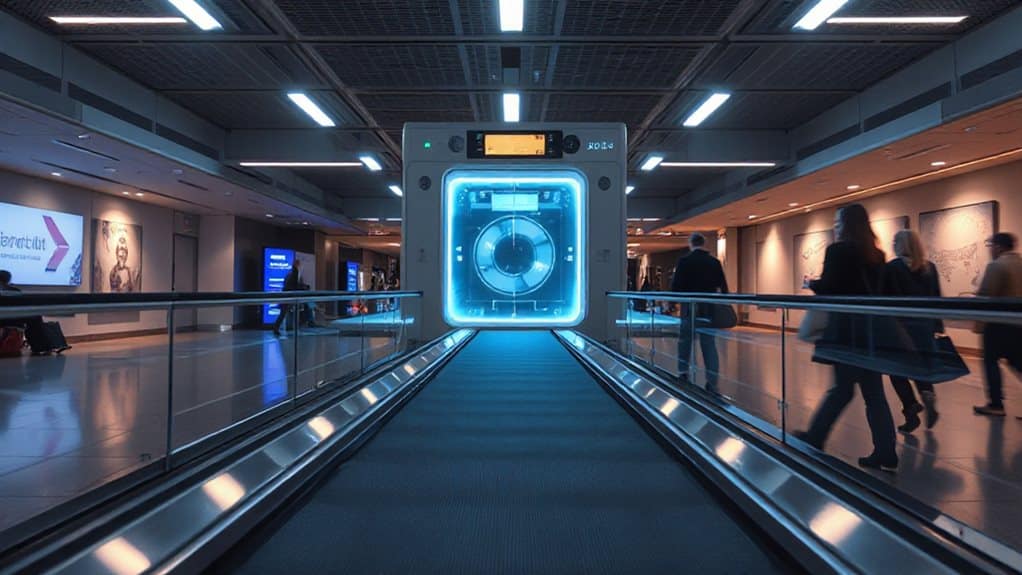
While surface‑only imaging leaves blind spots, AI‑enhanced scanners fill those gaps by interpreting every detail the hardware captures.
Deep‑learning models read 3D CT data, spotting threats regardless of shape, orientation, or concealment.
Real‑time analysis cuts wait times up to 40 %, enhances detection accuracy to 95 %, and trims false alarms, letting you move through checkpoints faster and freer.
Global Deployment Timeline and Impact on Travelers
Since the early 2000s, the rollout of full‑body scanners has followed a clear timeline that directly shapes your experience at checkpoints.
You first saw them at Schiphol in 2007, then worldwide after the 2009‑2010 bombing attempt.
And Finally
You’ve seen how millimeter‑wave, backscatter X‑ray, and CT scanners each spot concealed items, why silhouettes replace photos, and how privacy safeguards work. The technology’s blind spots and AI‑driven threat detection keep security both thorough and efficient. Global rollout shows consistent standards, helping travelers go through checkpoints smoothly while maintaining safety. Understanding these systems lets you pack confidently, knowing the scanners protect both security and personal privacy.