
A mobile boarding pass is a digital ticket stored on your phone that appears after you check in online via an airline app, email, or SMS. It shows your name, flight details, seat, gate, and a QR code or barcode that scanners read at security and the gate. The pass updates in real time with gate changes, delays, and baggage alerts, letting you bypass paper tickets and reduce queue time. If you keep going, you’ll learn more details.
TLDR
- Mobile boarding passes are generated after online check‑in and stored digitally on an airline app, email, or wallet for instant access.
- They display flight details, seat, gate, and a scannable QR code or barcode that security and gate scanners read in seconds.
- Real‑time push notifications keep passengers updated on gate changes, delays, and baggage status without opening the app.
- Using a smartphone eliminates paper tickets, reduces queue time, and supports airline sustainability goals.
- Passengers can quickly retrieve the QR code even offline by saving a screenshot or adding it to a digital wallet.
What Is a Mobile Boarding Pass?
A mobile boarding pass is a scannable electronic document you keep on your smartphone or tablet instead of a paper ticket. You receive it after online check‑in via the airline app, email, or SMS, then store it in a digital wallet or take a screenshot. It shows your name, flight details, seat, gate, and a QR or barcode that security and gate scanners read instantly. Real‑time updates are delivered through the app, keeping you informed of gate changes and delays. If you’re dealing with an overnight layover, the app can also help you track changes to your next flight time without having to reprint documents.
Get Your Mobile Boarding Pass in 3 Simple Steps
Open the airline app and complete the online check‑in, then tap the button to generate your boarding pass.
The app will display a QR code (or barcode) that contains your name, flight details, and seat information.
fast-track lanes can help reduce airport wait times by cutting check-in and security queues by about 10–30 minutes.
Keep the screen bright and fully charged so you can show the code at security and the gate.
Open Airline App
Launch the airline’s app, complete your check‑in, and the mobile boarding pass appears instantly.
You’ll find the pass under flight details, the “Today” tab, or a dedicated boarding‑pass section, depending on the carrier.
Save it to your device, screenshot it, or add it to your wallet for quick scanning.
Confirm the barcode stays visible, and verify that your airport accepts mobile passes.
Complete Online Check‑In
When you’re ready to travel, start the online check‑in process 24–48 hours before departure (or earlier if your airline allows it) by opening the carrier’s website or app, entering your booking reference and last name, and confirming the flight you’re taking.
Then enter passenger details, select seats or add services, and review everything.
Finally, confirm and download the mobile boarding pass, which arrives instantly via email, SMS, or app.
Display QR Code
If you’ve already checked in, the next step is to make the QR code visible on your device.
Open the airline app or email, then tap the boarding‑pass card to reveal the full barcode.
Hold the screen flat, away from glare, and keep it steady as you approach the scanner.
The code contains your flight, seat, and identity, and works with any airline’s standard BCBP system.
Find the QR Code in Your Airline App or Email
You’ll locate the QR code by opening the airline’s app, signing in, and heading to the “My Trips” or check‑in section; after selecting your flight and completing any remaining check‑in prompts, the digital boarding pass appears with a clear “view” or “download” button that reveals the QR code. You can also open the confirmation email, tap the mobile‑boarding‑pass link, and view the QR code directly, saving it to your wallet, screenshot, or PDF for offline access. If you’re traveling with a tablet or phone that supports it, mobile wallet access can make the QR code easier to retrieve at the gate.
Scan the Pass at Security and the Gate
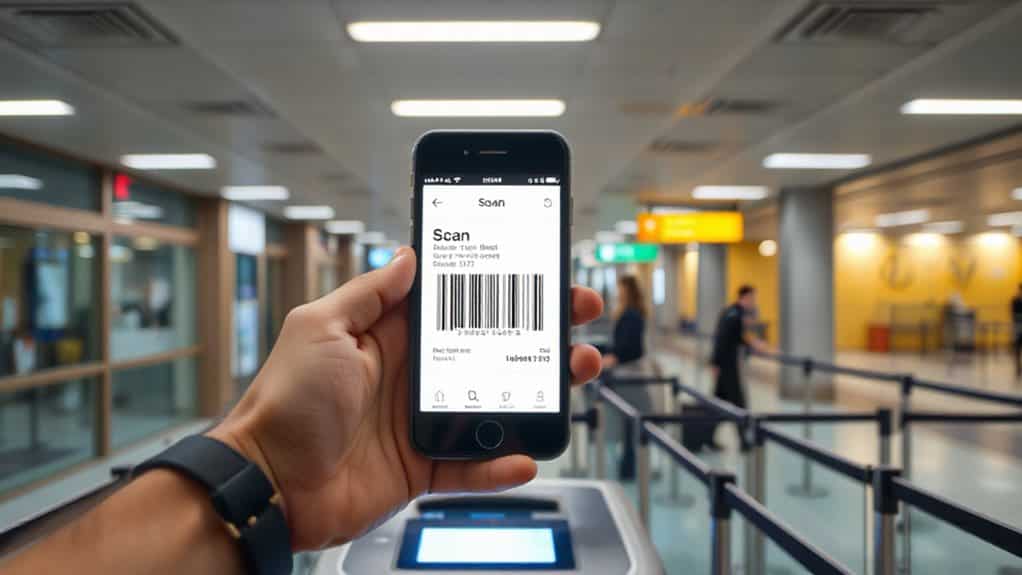
Because airport security and gate agents rely on fast, accurate verification, your mobile boarding pass is read by specialized scanners that can decode QR codes or barcodes displayed on a smartphone screen. At security, fixed or handheld readers use LED illumination and infrared sensors to capture the code instantly, confirming with a beep. At the same time, TSA generally allows empty reusable bottles through security as long as they’re empty when you pass the checkpoint. At the gate, omnidirectional scanners like the BGR700 read the pass without tilting, while facial‑recognition e‑gates match your photo for a seamless, swift boarding experience.
How to Stay Updated on Gate Changes, Delays, and Baggage?
You’ll get instant push notifications the moment a gate changes, so you can head straight to the new location without wandering the terminal. The in‑app flight tracker shows real-time delay updates and estimated departure times, letting you adjust your plans on the fly. Meanwhile, the app’s baggage‑tracking feature sends Wi‑Fi alerts with your luggage’s status, keeping you informed from check‑in to carousel. If you’re traveling with a baby, you can also time your moves by using real-time delay updates to reduce the amount of time spent waiting in the terminal before boarding.
Time Push Notifications
Usually, your mobile boarding pass sends a push notification the moment the airline updates a gate, delay, or baggage status, so you never have to stare at a screen waiting for the next announcement.
Google and Apple wallets trigger alerts when fields like departureGate, departureTime, or seat change, delivering concise banners on lock screens.
You can limit alerts, enable silent background updates, and rely on real‑time pushes without opening apps, preserving freedom and reducing stress.
In‑App Flight Tracker
Most travelers rely on the in‑app flight tracker to stay instantly informed about gate changes, delays, and baggage updates without leaving the airline’s app.
You can watch real‑time flight paths, see gate and terminal shifts, and get weather overlays that affect schedules.
Predictive alerts use historic data for 93% accurate delay forecasts, while widgets let you glance at status and baggage details on your home screen.
Airport Wi‑Fi Alerts
Through airport Wi‑Fi, your phone gets instant, location‑based alerts about gate changes, delays, and baggage status without needing a separate app.
The network’s access points detect your position and push notifications directly to your device, while Passpoint authentication logs you in automatically.
Edge computing and IoT sensors keep baggage updates low‑latency, so you stay informed and move freely through terminals.
Mobile Boarding Pass Benefits: Time, Eco‑Impact, and Convenience
Because mobile boarding passes let you skip the paper-based check-in, they cut down the time you spend in airport queues and speed up the whole boarding process. You breeze through security, airport security checks stay faster as you scan quickly and avoid extra delays, select seats online, and scan a barcode instantly, saving minutes each flight. The digital format eliminates paper waste, supporting airline sustainability goals. It consolidates tickets, wallets, and loyalty cards on one device, giving you freedom and convenience worldwide.
Fix Common Issues Like Dead Batteries or Screen Damage
You can keep a compact power bank in your bag to avoid a dead battery during the boarding‑pass scan, and you’ll want to know the charge capacity and compatible ports for your phone.
If your screen cracks or flickers, a quick‑fix kit with a protective film or a portable screen‑repair tool can keep the display readable until you reach a lounge.
Having these essentials on hand lets you stay on schedule without relying on airport charging stations or gate‑agent assistance.
Power Bank Essentials
A power bank’s reliability hinges on a few essential factors that you can check before it becomes a hassle.
Use certified, high‑capacity cables to avoid slow or interrupted charging; clean dust or corrosion from ports with a soft brush; reset glitches by holding the power button or disconnecting for a few hours; keep it cool, and replace swollen or aging batteries promptly.
Screen‑Repair Solutions
When a smartphone’s display cracks or its battery dies, the repair market offers several practical solutions.
Screen replacements make up 42% of repairs, costing $120‑$350, with third‑party shops handling 65%.
Battery swaps cover 60% of the third‑party share, ranging $50‑$400.
DIY kits and modular designs speed fixes, while growing demand fuels a $5 billion U.S. market.
Know When to Ask for a Printed Pass at the Counter
If your phone dies, the app crashes, or the airport’s security system won’t accept a mobile barcode, you’ll need a printed boarding pass from the counter.
You should ask for it when traveling internationally, when visas or child‑travel rules require document verification, or when the airline’s policy mandates paper for low‑cost carriers.
Expect possible fees, arrive early, and use the printed copy as a reliable backup.
Manage Multiple Passes on One Device
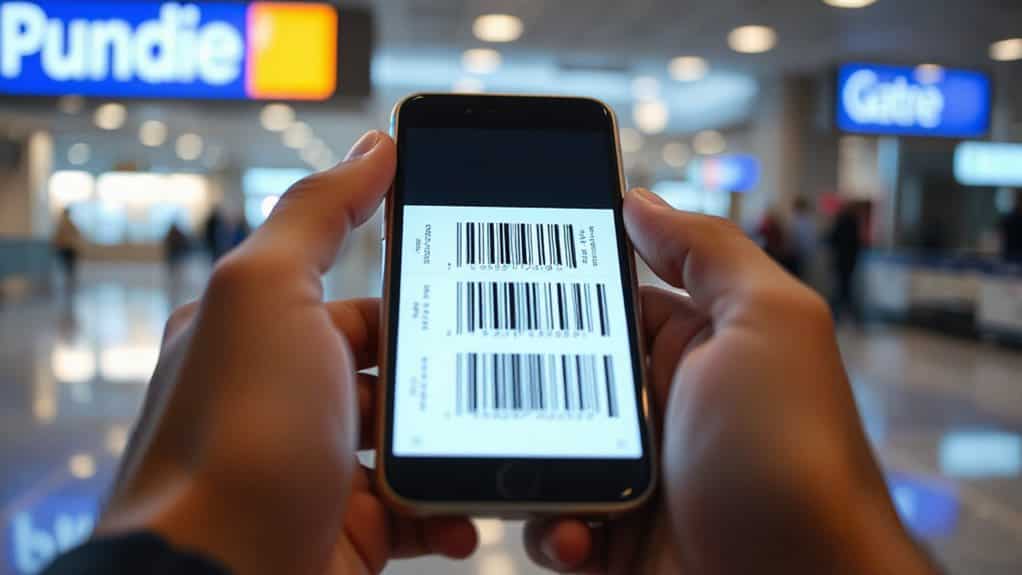
You can store several boarding passes on a single smartphone, tablet, or smartwatch without any special setup, and airlines such as Ryanair already support this functionality.
Each adult can keep their own pass for faster processing, while families may consolidate passes on one device for convenience.
Passes sync to Apple or Google Wallet, work offline, and update in real time, letting you scan QR codes at check‑in, security, and gates without hassle.
Future Trends for Mobile Boarding Passes: NFC, Biometric IDs, and Beyond
Because NFC chips can exchange data in just a few milliseconds, airlines and airports are already testing “tap‑and‑go” boarding that merges check‑in, security clearance, and gate access into a single, contactless gesture.
You’ll soon tap your phone to verify identity, pay for food, and track baggage, all while biometric data syncs across terminals.
This convergence promises faster, paper‑free travel and seamless loyalty rewards.
And Finally
By using mobile boarding passes, you streamline check‑in, security, and boarding while keeping all updates in one place. The QR code lets agents verify your ticket instantly, and the app notifies you of gate changes, delays, or baggage alerts. If your device dies or the screen is damaged, you can request a printed copy at the counter. Managing several passes on one device is easy, and emerging NFC and biometric features promise even faster, more secure travel in the future.