
Pack your electronics in your carry-on, especially devices with lithium batteries like laptops, tablets, and e-readers—they must stay in the cabin. Remove larger electronics during TSA screening and place them in a bin, unless you’re in TSA PreCheck or a CT scanner lane. Keep spare batteries and power banks in your carry-on, protected from short circuits. Always power on devices if asked. You’ll want to know how to handle each step safely and efficiently.
TLDR
- Keep all electronics larger than a cell phone in your carry-on and be ready to remove them for screening unless in TSA PreCheck.
- Pack lithium batteries and devices containing them in carry-on luggage; never pack spare batteries in checked bags.
- Protect spare batteries by taping terminals or using cases to prevent short circuits during flight.
- Ensure devices can power on during screening; dead batteries may lead to confiscation.
- Follow airline and TSA rules: smart luggage batteries, power banks, and e-cigarettes must stay in carry-on.
Understanding Carry-On Electronics Rules
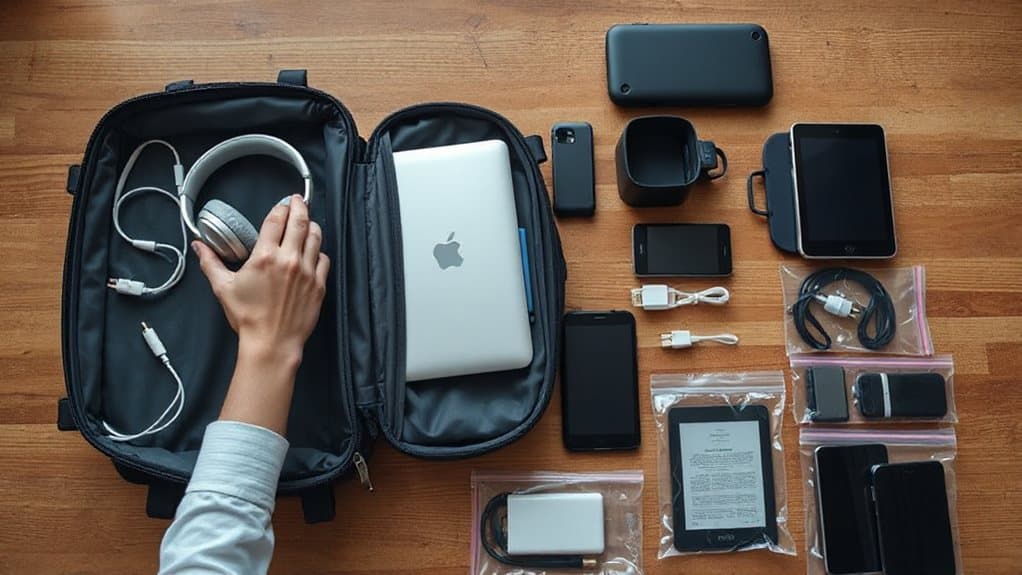
While you’re preparing for security screening, keep in mind that all electronics larger than a cell phone—like laptops, tablets, e-readers, and handheld gaming devices—must be removed from your carry-on bag and placed in a separate bin for X-ray scanning.
Place them with nothing above or below for clear imaging. You’ll breeze through if your devices power on when asked. Dead or non-functional electronics may raise suspicion and be confiscated.
Smart luggage batteries and cordless heat tools must also stay in your carry-on. This policy supports stronger screening measures implemented by the TSA to enhance threat detection at U.S. airports. For fragile devices such as a Nintendo Switch, carry them in a protective case in your carry-on to avoid damage and comply with screening rules and battery regulations.
Packing Devices With Lithium Batteries Safely
Since lithium batteries can pose serious safety risks if not handled properly, you must pack them in your carry-on bag where they’re easily accessible.
Keep devices powered off, protect terminals with tape, and avoid damaged or recalled batteries.
Spare batteries must be under 100 Wh, limited to two spares, and stored individually to prevent short circuits.
Also, remember that TSA officers have final authority over whether a device is allowed through security.
Handling Spare Batteries and Power Banks
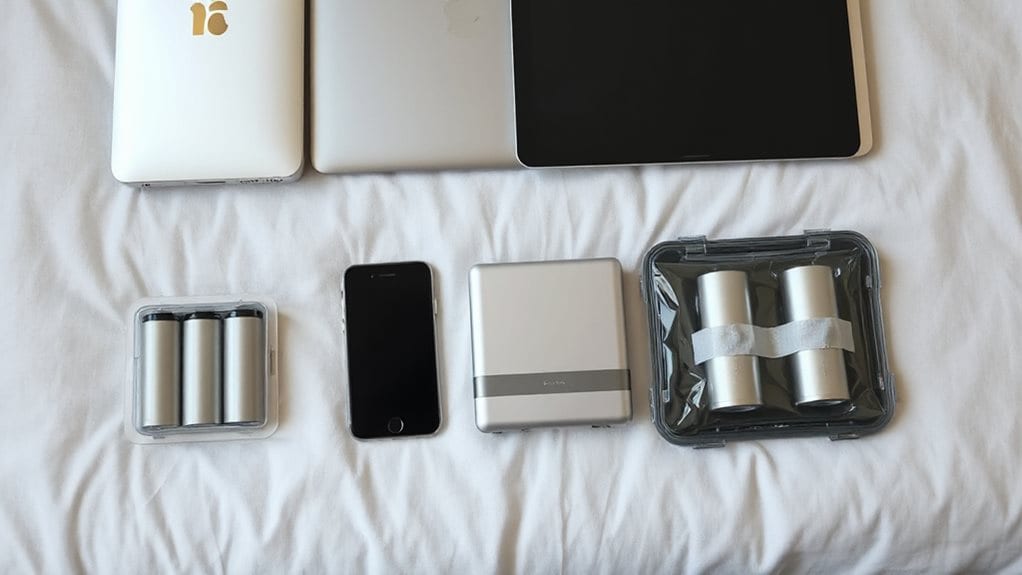
You’ve already learned how to pack devices with built-in lithium batteries safely, but now let’s focus on spare batteries and power banks—items you carry separately from your devices.
Keep all spares in your carry-on, never in checked bags.
Protect each by taping terminals or using cases to prevent shorts.
You can bring up to 20 spares under 100Wh; 101-160Wh ones need airline approval, max 2.
Power banks count as spares.
Most airlines follow IATA rules allowing up to 100 Wh in carry-on without approval, so check your power bank’s watt-hour rating before travel.
Navigating TSA Screening for Electronics
When going through TSA screening, take out any electronic device larger than a cell phone and place it in a bin by itself.
Keep your laptop, tablet, or e-reader easily accessible in your carry-on so you can grab it quickly if needed.
While TSA PreCheck members usually don’t have to remove these items, standard lanes require separation to avoid delays and guarantee clear X-ray images.
Also, remember that spare lithium batteries and power banks must be carried in your carry‑on only, not checked luggage.
Remove Large Electronics
Pulling out your laptop and other large electronics is a standard step at most TSA checkpoints.
You must remove devices bigger than a phone and place them in a bin, with nothing on or under.
This guarantees clear X-ray views.
Lithium-powered electronics, like laptops, stay in your carry-on.
Always assume removal is required unless TSA agents or PreCheck status say otherwise.
Keep Devices Accessible
Always keep your electronics easily accessible in your carry-on, since you’ll likely need to remove them during screening.
If you’ve got TSA PreCheck, you can usually leave laptops and liquids packed.
Seniors 75+ can keep shoes and light jackets on.
At CT scanner lanes, electronics may stay in your bag—check your airport’s setup.
Be ready to power on devices; dead batteries raise red flags.
Preparing Checked Baggage With Electronics

To keep your electronics and fellow passengers safe, you must take specific steps when packing devices in checked baggage. Power devices completely off—no sleep mode—and prevent accidental activation.
Pack them securely to avoid damage. Remove lithium batteries and carry them in your cabin bag.
Spare batteries, power banks, and e-cigarettes aren’t allowed in checked luggage. Check for recalls and follow airline rules to travel freely and safely.
Airlines and the TSA also recommend keeping consoles and other valuable electronics in your carry-on luggage when possible to reduce risk of loss or damage.
Following Airline-Specific Electronic Policies
You’ve secured your devices in checked baggage the right way—powered down, protected, and free of loose batteries—so now it’s time to focus on what happens once you board the plane.
Keep power banks and lithium batteries in your carry-on, not overhead bins. Airlines like Emirates and Korean Air require them in cabin storage.
Avoid in-flight charging on carriers like Air Busan. Southwest wants batteries visible during screening.
Always check your airline’s rules—policies vary, and staying informed keeps your tech with you. Bluetooth is often permitted in flight but airline policies determine when and how you may use it.
Avoiding Prohibited Items in Luggage
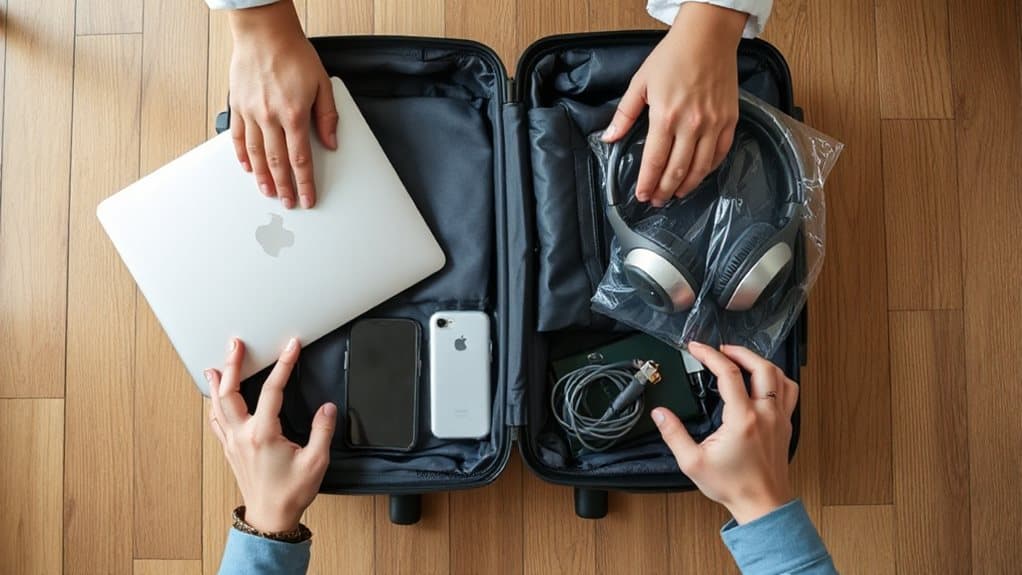
While packing your luggage, it’s essential to recognize that certain electronics and batteries aren’t just restricted—they’re outright banned from both carry-on and checked bags for safety reasons.
Leave behind TASERs, stun guns, and non-personal electronics like extra cameras.
Avoid automotive batteries, airbags, and smart bags with non-removable batteries.
Don’t pack aerosols, bleach, or tools like box cutters.
Always remove lithium batteries from devices and carry them in your cabin bag, protected from short circuits.
Managing E-Cigarettes and Portable Vaping Devices
E-cigarettes and portable vaping devices must stay in your carry-on bag—never pack them in checked luggage due to the fire risk posed by their lithium batteries.
Keep batteries protected and devices switched off, with pods or tanks removed. Most airlines limit you to one device and two spares. Vaping’s banned mid-flight, and rules vary by airline and destination—always check ahead.
Responding to Battery Safety Incidents in Flight

If you notice a device emitting smoke, heat, or a burning smell, act quickly and alert a flight attendant immediately.
Early warning signs like strange odors or visible smoke often signal the start of a thermal runaway event.
Crew members are trained to respond with fire containment procedures, so following their instructions is essential for safety.
Spot Early Warning Signs
When you’re on a flight, staying alert to early signs of battery failure could make all the difference. Watch for smoke, a burning smell, or extreme heat from devices.
If you see melting components or detect toxic fumes, act fast. These warnings often come before full thermal runaway. Spotting them early lets you respond quickly, helping keep everyone safe without unnecessary risk.
Alert the Cabin Crew
While you’re on board, recognizing a battery issue is only the first step—what you do next matters just as much.
If a device overheats, swells, or smokes, alert the cabin crew immediately. Don’t try to move or cool it. Turn it off if possible. Keep others clear. Prompt reporting lets crew act fast, using fire-resistant bags or extinguishers, ensuring everyone’s safety without unnecessary risk or delay.
Follow Emergency Protocols
You’ve alerted the cabin crew—now it’s time to follow established emergency protocols if a battery incident escalates.
You’ll see smoke first, then possibly flames.
Crews use halon to suppress fire, then douse the device with water to cool the battery.
They wear oxygen masks and PBEs, protect passengers, and manage toxic fumes.
You stay clear, let professionals handle it, and trust the process.
And Finally
You now know how to pack electronics safely for flights. Always carry devices with lithium batteries in your carry-on, not checked bags. Keep spare batteries protected and power banks accessible for screening. Follow TSA rules and airline policies closely. Avoid packing prohibited items. If a battery overheats, alert crew immediately. Staying informed guarantees a smoother, safer trip for everyone on board.